Configure Webhooks to send form data externally (step-by-step)
Send JSON/form-data to a third-party endpoint (Zapier, Make, CRM).
-
Get your endpoint URL (e.g.,
https://hooks.example.com/receive). -
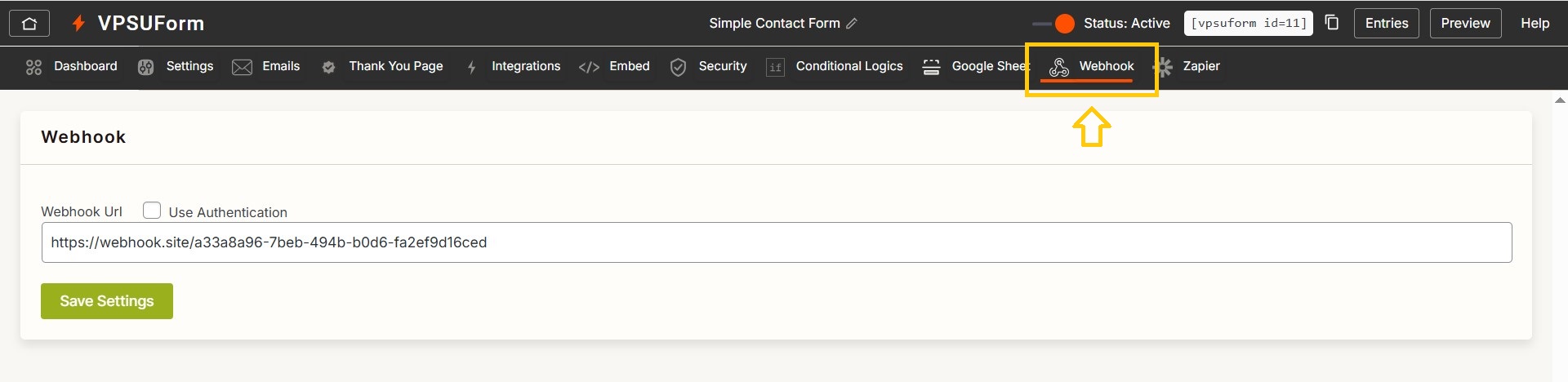
Open VPSUForm → Edit form → Webhook.

-
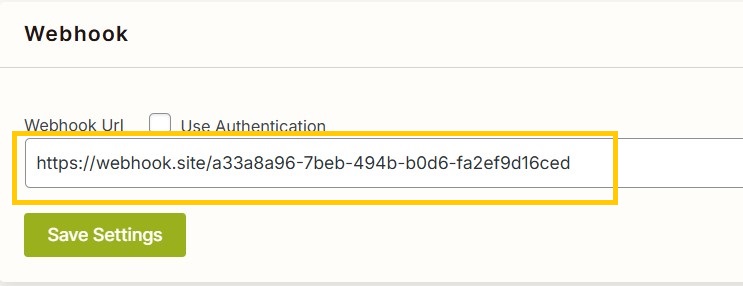
Add New Webhook and fill:
URL: paste endpoint
-
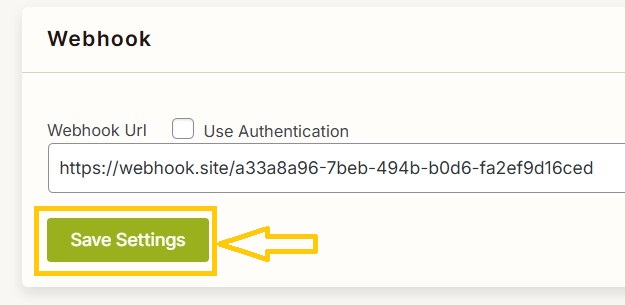
Save webhook.
-
Test webhook:
-
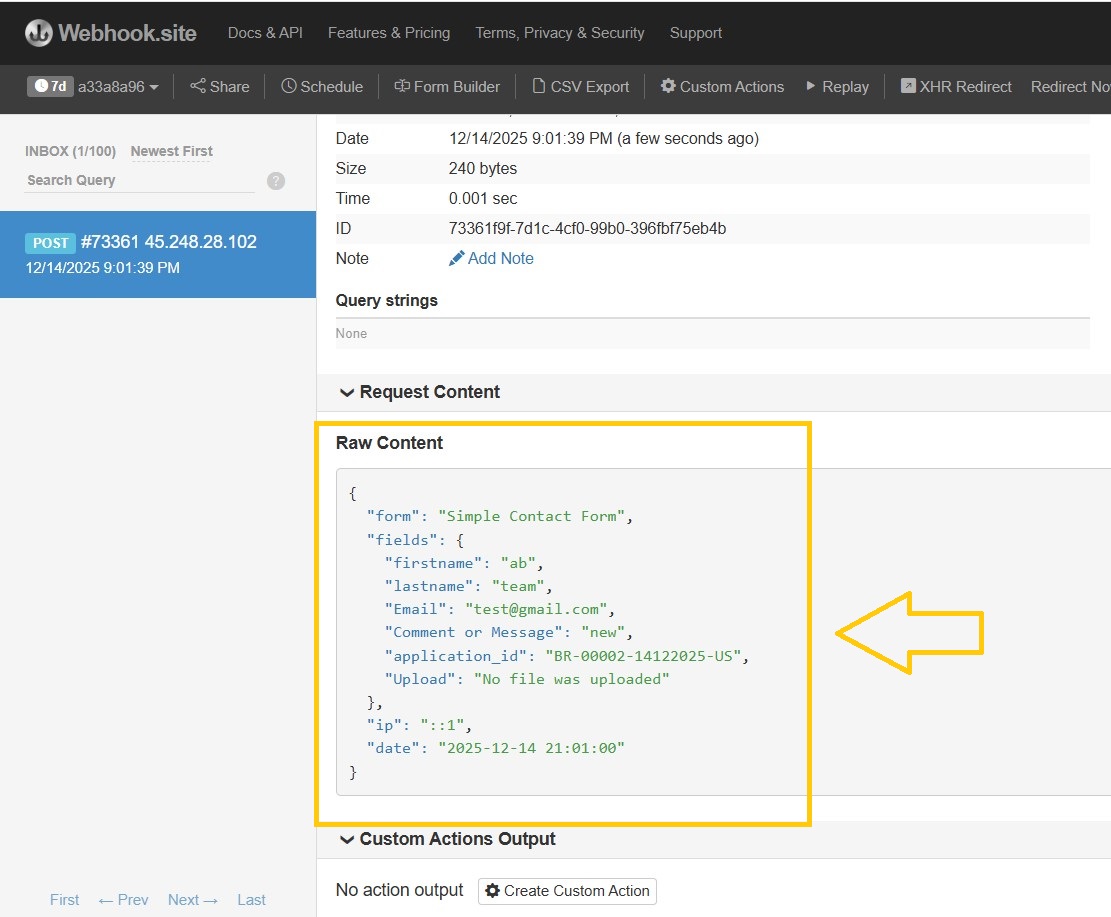
Submit a form entry → verify data is received at the endpoint.
-
Use a tool like webhook.site for quick testing.
-
Example JSON payload
Troubleshooting
-
If failing, check server response codes, CORS, and whether the endpoint requires authentication (add header authentication in VPSUForm webhook).
————————————-
👉 Download it directly from WordPress.org
Get Involved or Get Help
Need support? Click here
Feature request? We’re all ears—VPSUForm is built for the community.
Love it? Leave a ⭐️ review on WordPress.org